|
Writing Windows WDM Device DriversThe last item, Input, declares the control(s) and states that they are data values (i.e., not constants). Preceding items give more details of the control(s). The preceding Report Size item says that each control has 1 bit and the Report Count item says that there are 3 controls. The preceding Usage Page item specifies the "keyboard" usage page, while the Usage Minimum and Usage Maximum items say that the first input bit corresponds to the left control key of a keyboard and that the last is the left Alt key. Note that the Item data is actually a byte (e.g., "keyboard" is the constant 07, HID_USAGE_PAGEKEYBOARD). Item Parts An item consists of one or more bytes that define an item type, an item tag, an item size, and possibly item data bytes. An item may be in Short or Long format. Long format is not used yet, so it is not discussed here. Figure 22.3 shows that the first byte of an item has a Tag of four bits, a Type of two bits and a Data size of two bits. Table 22.4 shows the interpretation of the size and type fields. Figure 22.3 Short item format Table 22.4 Short item values Data Size 0 = 0 bytes 1 = 1 byte 2 = 2 bytes 3 = 4 bytes Type 0 = Main 1 = Global 2 = Local 3 = Reserved Main Item Tags The Main item type is used for the Input, Output, Feature, Collection, and End Collection tags ...» | Код для вставки книги в блог HTML
phpBB
текст
|
|









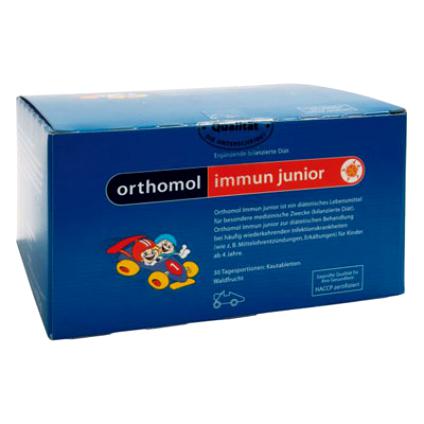 Orthomol Immun Junior Сила иммунитета на страже Вашего ребенка