|
Fedora™ Unleashed, 2008 editionNautilus CD/DVD Creator supports writing to a disc image file, commonly known as ISO. You can also give your new disc a label and tell Nautilus at what speed you want to write the disc. Finally, click the Write button to start the burning process — it is that simple! FIGURE 7.11 Creating a CD or DVD using the Nautilus browser is made easy with the drag- and-drop features it provides. GnomeBaker If you require a bit more flexibility than just dragging and dropping files into a CD folder, then you should consider GnomeBaker, which enables you to burn Data CDs and DVDs, and also master Audio CDs. It's not installed by default, so make sure you use the command # yum install gnomebaker to retrieve and install the application. GnomeBaker itself is very easy to use, and can be found under the Applications, Sound and Video menu. When you start GnomeBaker, you are immediately prompted to choose what it is you want to create, as shown in Figure 7.12. FIGURE 7.12 GnomeBaker offers a task-based approach to burning optical media ...» | Код для вставки книги в блог HTML
phpBB
текст
|
|


 Комплект детского постельного белья 1.5 "Принцесса".




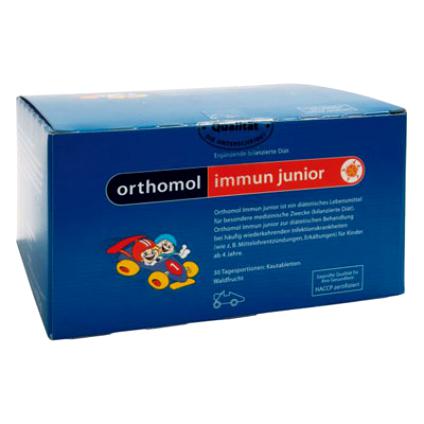 Orthomol Immun Junior Сила иммунитета на страже Вашего ребенка