|
AutoCAD 2005 for DummiesChapter 4 describes how to use ortho mode to draw orthogonal lines. Polishing those properties When you think of editing objects, you probably think first about editing their geometry: moving, stretching, making new copies, and so on. ThatБЂ™s the kind of editing I cover in this chapter. Another kind of editing is changing objectsБЂ™ properties. As I describe in Chapter 4, every object in an AutoCAD drawing has a set of non-geometrical properties, including layer, color, linetype, and lineweight. Sometimes, you need to edit those properties БЂ” when you accidentally draw something on the wrong layer, for example. Three common ways of editing objects properties in AutoCAD are Б–Ўб The Properties palette: This is the most flexible way to edit properties. Select any object (or objects), right-click in the drawing area, and choose Properties from the cursor menu. The Properties palette displays a tabular grid that lists the names and values of all properties. Click in the value cell to change a particular property ...» | Код для вставки книги в блог HTML
phpBB
текст
|
|


 Письменные принадлежности "Набор первоклассника", 28 предметов.
 Кондитерский шприц с насадками "Mayer & Boch" (18 предметов).





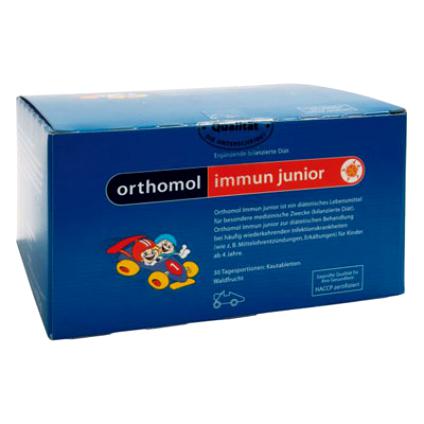 Orthomol Immun Junior Сила иммунитета на страже Вашего ребенка